
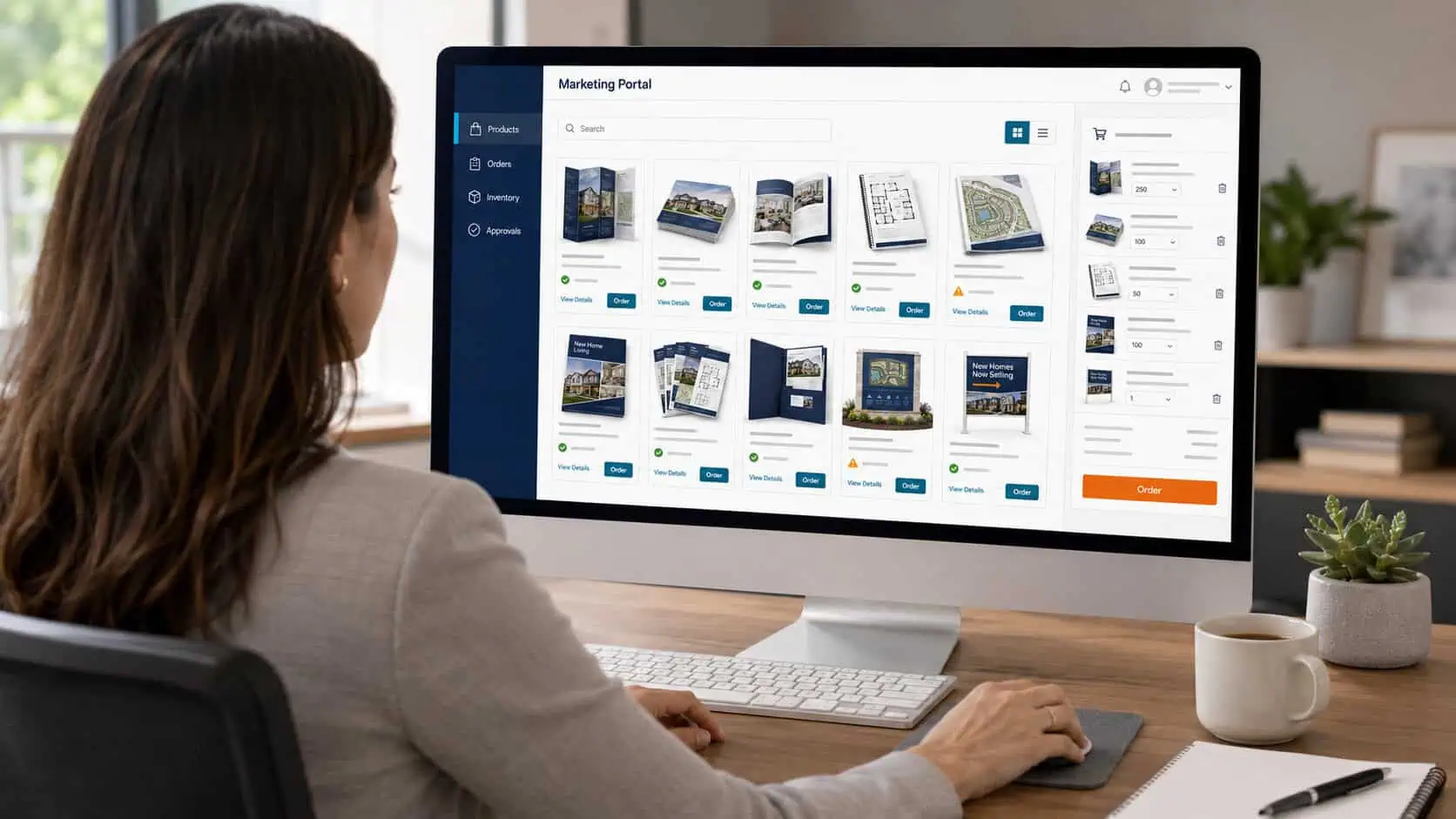
What Is a Web-to-Print Portal?
A web-to-print portal is a secure online ordering environment built around an organization’s approved marketing materials. It may look like an ecommerce storefront, but the products, permissions, branding rules, inventory, and workflows are configured for a specific company.
Users can log in, find the materials they are authorized to order, customize approved fields when permitted, choose quantities, and send the order into production or fulfillment. The marketing or operations team retains visibility and control without manually processing every request.
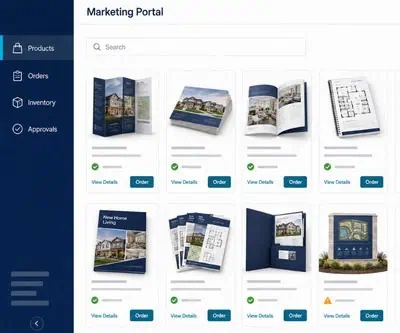
RoyerComm refers to this type of system as a marketing portal, with features such as digital asset management, real-time inventory reporting, customization, approval workflows, cost tracking, and distribution support.
Why Organizations Outgrow Email-Based Ordering
Many print programs begin informally. A salesperson emails marketing for brochures. A branch manager requests business cards. A regional office asks whether an old flyer is still approved. Someone tracks inventory in a spreadsheet.
That process can work at a small scale. As the team grows, the same process creates repeated questions, inconsistent files, outdated materials, rush requests, and unclear spending.
- Orders arrive through email, chat, spreadsheets, and phone calls
- Users cannot easily tell which version is current
- Marketing staff spend time re-entering routine orders
- Local teams create unapproved versions to move faster
- Inventory is discovered to be low only after an urgent request
- Costs are difficult to assign by department, region, or user
A marketing asset management portal replaces scattered requests with a repeatable system.
Core Features of a Marketing Portal
Approved Product Catalog
The portal can contain frequently ordered items such as brochures, sell sheets, postcards, presentation folders, business cards, event materials, signage, promotional products, training materials, forms, or kits.
Template Customization
Some products can be locked completely. Others can allow controlled edits to names, contact information, office locations, event details, photographs, or offers. The design stays intact while approved users update only designated fields.
Real-Time Inventory Tracking
Inventory visibility helps teams know what is available before ordering. Reorder thresholds can support better planning and reduce the risk of running out of essential collateral.
User Roles and Permissions
Not every user needs access to every item. Permissions can be configured by role, department, location, territory, or program. This keeps the storefront relevant and reduces accidental ordering.
Approval Workflows
Orders can move directly to production or pause for review, depending on the item, quantity, customization, user, or budget. A routine business card order may not need the same oversight as a large regional campaign.
Reporting and Cost Allocation
Portal reporting can show order volume, spending, inventory movement, user activity, and location-level demand. That information helps marketing and procurement teams forecast more accurately.
Who Benefits Most From a Web-to-Print Storefront?
Field Sales Teams
A company with dozens of field representatives may need each person to access approved brochures, product sheets, presentation folders, samples, or event kits. A portal gives the sales team self-service access while the company controls versions and quantities.
Franchise and Dealer Networks
Franchisees and dealers need local flexibility without weakening the larger brand. Controlled templates allow location-specific information while preserving approved logos, colors, disclaimers, and messaging.
Multi-Location Healthcare and Professional Services
Organizations with offices in multiple markets often need location-specific collateral, forms, signage, and outreach materials. A portal can make the correct version easier to find and reorder.
Higher Education, Associations, and Nonprofits
Departments, chapters, programs, and events can create a large mix of recurring materials. Permissions and budget controls help distribute responsibility without losing oversight.
Facilities and Operations Teams
Facilities management may involve forms, labels, manuals, safety materials, signage, onboarding kits, and supplies. A portal can support recurring operational print, not only marketing collateral.

How Portals Support Brand Consistency
Brand consistency is often described as a design concern, but it is also an operational concern. Even a strong brand guide cannot prevent an employee from finding an old PDF on a shared drive and sending it to a local printer.
A portal makes the approved version the easiest version to use. Retired materials can be removed, updated files can replace old versions, and editable fields can be restricted. This reduces the need for repeated policing because the workflow itself encourages compliance.
For users who prepare or update artwork, the technical standards in How to Prep Your File for Print can also help maintain production quality across portal items.
Inventory Versus Print on Demand
A portal does not require every item to be stored in a warehouse. The product mix can combine pre-printed inventory and on-demand production.
- Pre-print high-volume, stable materials that are used frequently
- Print low-volume or frequently changing items on demand
- Store components that are assembled into kits as orders arrive
- Use inventory thresholds to trigger review or replenishment
- Retire obsolete items before excess stock accumulates
This hybrid model can connect production with mailing and fulfillment when orders need to be packed, kitted, drop shipped, or distributed to multiple destinations.
Questions to Answer Before Building a Portal
- Who will use the portal, and what should each group be allowed to see?
- Which products are ordered repeatedly enough to include at launch?
- Which fields may users customize, and which elements must remain locked?
- Which orders require approval?
- Will products be stocked, printed on demand, or managed through a hybrid model?
- How should costs be assigned across departments, locations, or users?
- What reports will marketing, procurement, sales, or operations need?
- Who owns the process for updating, adding, and retiring items?
Starting with the most common products and workflows is usually more effective than trying to build an exhaustive portal on day one. The storefront can expand as the organization learns how people use it.
Signs That a Portal May Be Worth Exploring
- Marketing receives the same routine order requests every week
- Salespeople regularly need materials while traveling or working remotely
- Multiple offices use different versions of the same collateral
- Inventory shortages create emergency print jobs
- Teams cannot easily track what is being ordered or spent
- Old or unapproved files continue to circulate
- Kits require items from several product categories
- Growth is making the current manual process difficult to manage
A web-to-print portal is not merely a place to buy print. It is a workflow tool for organizing access, approvals, production, inventory, and distribution. Its value comes from removing repetitive friction while giving the organization better control.
Frequently Asked Questions
Is a web-to-print portal the same as a public online print shop?
No. A private marketing portal is configured for one organization and contains its approved products, users, permissions, templates, inventory, and reporting rules.
Can users customize materials inside the portal?
Yes, when customization is enabled. Editable fields can be limited to approved items such as a name, location, phone number, photograph, event date, or offer.
Does every portal item need to be kept in inventory?
No. A portal can combine stored inventory with print-on-demand items. The right model depends on order volume, shelf life, turnaround requirements, and how often content changes.
Can a portal require manager approval?
Yes. Approval workflows can be assigned based on the user, product, quantity, cost, customization, or other business rules.
Who usually manages a marketing portal?
Ownership varies. Marketing, procurement, sales operations, facilities, or a cross-functional team may manage the catalog, users, budgets, and updates.
Can a portal support fulfillment and shipping?
Yes. Orders can be routed for production, picking, kitting, packing, drop shipping, or delivery to offices, representatives, customers, or events.
If managing print orders across teams or locations has become difficult, a customized marketing portal may be the right next step. Contact RoyerComm to discuss how we can simplify ordering, protect your brand, and manage production, inventory, and fulfillment in one place.